
Accelerate your IT projects
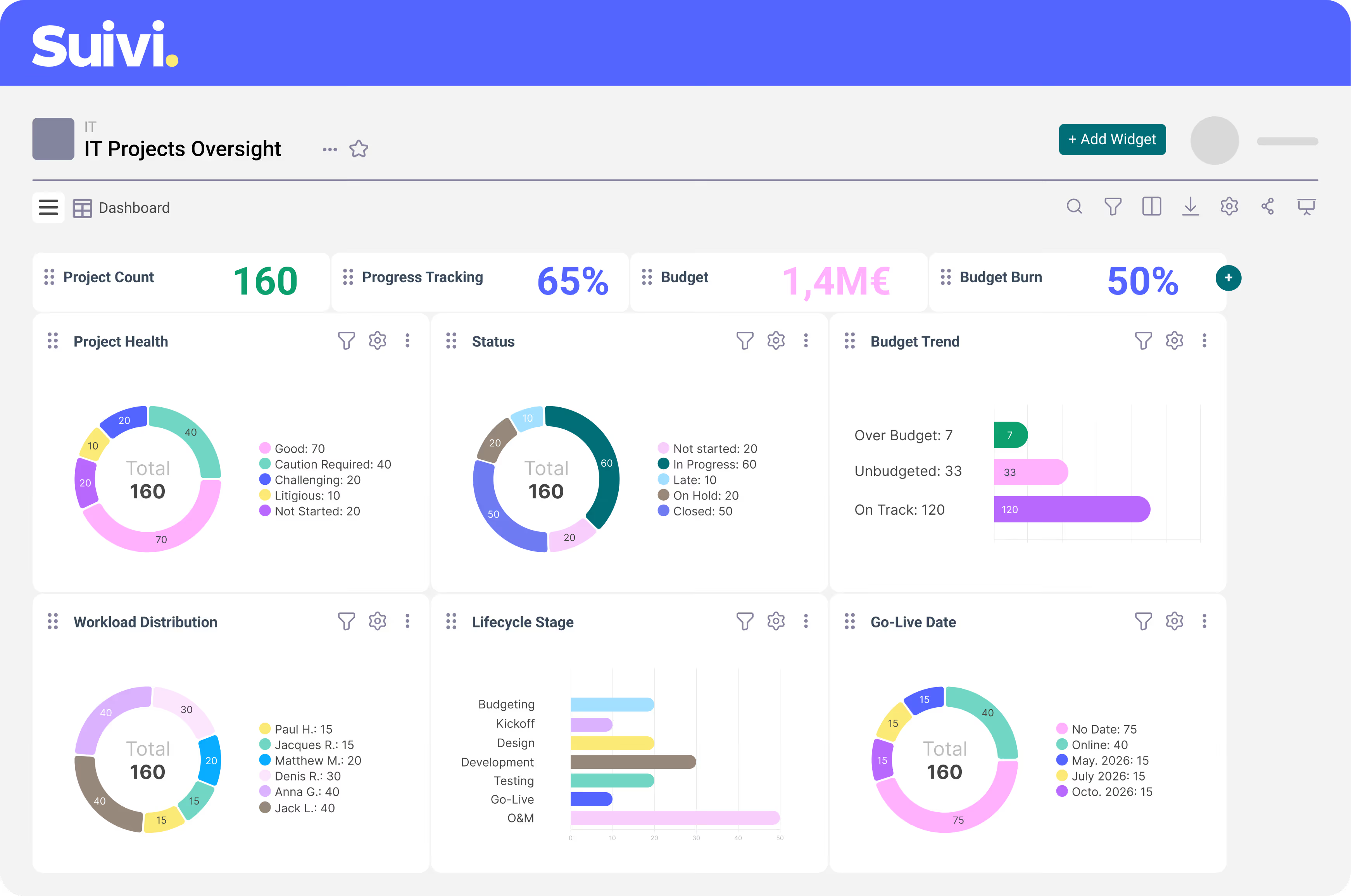
Sick of lingering tickets and inventory chaos? Centralize and visualize all your department's data within a fully customizable IT project management tool.
Get the oversight you deserve.
Heading
Heading 1
Heading 2
Heading 3
Heading 4
Heading 5
Heading 6
Lorem ipsum dolor sit amet, consectetur adipiscing elit, sed do eiusmod tempor incididunt ut labore et dolore magna aliqua. Ut enim ad minim veniam, quis nostrud exercitation ullamco laboris nisi ut aliquip ex ea commodo consequat. Duis aute irure dolor in reprehenderit in voluptate velit esse cillum dolore eu fugiat nulla pariatur.
Block quote
Ordered list
- Item 1
- Item 2
- Item 3
Unordered list
- Item A
- Item B
- Item C
Bold text
Emphasis
Superscript
Subscript






.png)
Fast-Track Your Digital Transformation
Accelerate your digital transformation with Suivi. How?
- Track your projects across all involved teams (Marketing, HR, Product…) by easily integrating their existing tools.
- Grant access to other entities or subsidiaries to digitalize the entire organization.
- Reduce shadow IT by centralizing approved tools.
- Simplify onboarding for new employees with a structured, accessible platform.

Want to know more?
Time to cut the fluff — let’s talk. Wondering if Suivi fits your needs? Want a deeper look at what it can do? Our team is here for you.
Fot technical support, visit our Help Center.
All your questions about our IT project management tool
How can I eliminate shadow IT when each team tends to use different project management tools?
It’s simple: to limit shadow IT, provide a shared tool that is flexible enough to adapt to each team’s needs and integrate with their existing tools.
This reduces the risk of workaround solutions and keeps data flow under control.
Suivi offers maximum flexibility:
- 12 different views on the same database, fully customizable (data, colors, icons, and presentations)
- Templates tailored to roles such as HR, Marketing, or Product teams
- The ability to create your own no-code dashboards for perfectly adapted tracking
Can I transfer spreadsheets containing our current hardware and vendor inventory into Suivi?
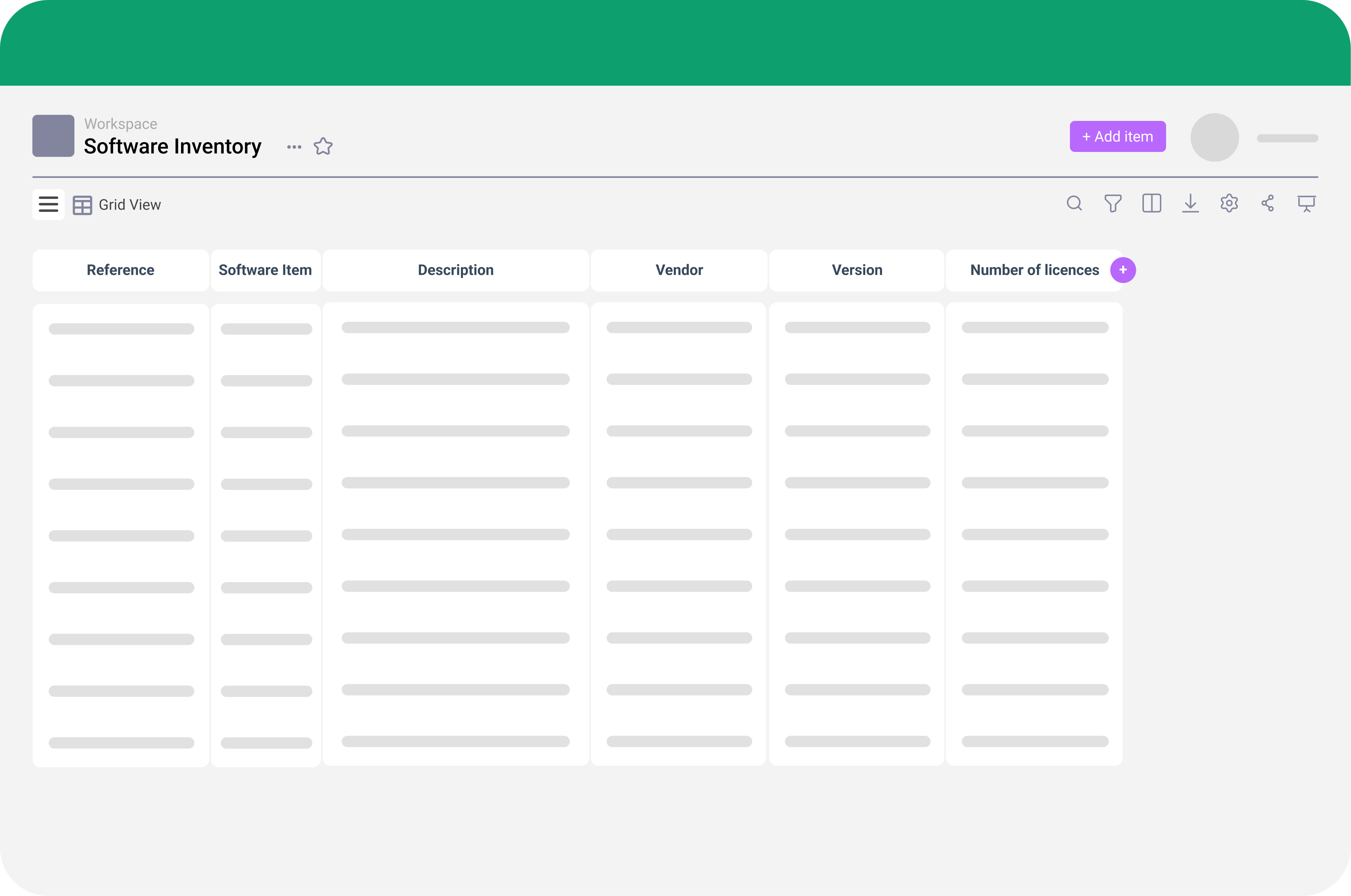
Absolutely! Optimize your IT inventory management by easily importing existing spreadsheets—they’re automatically converted into databases in Suivi.
Once imported, these records gain all the tool’s functionality: multiple views, customizable presentations, just like if they were created directly in the platform.
Our shared inbox is a mess. How does Suivi help streamline user request management (ticketing)?
Suivi allows you to manage user requests in two ways, optimizing ticket handling:
- Internal employees submit requests directly in the tool using custom templates
- Suivi can connect to Jira to automatically pull existing tickets
Requests are centralized for your IT team, which can organize and prioritize tickets more effectively.
Suivi is equally effective for IT ticketing and enhancing client satisfaction.
Can this tool help visualize team workload and allocate often-limited support resources?
Yes. Using templates or no-code tracking boards, you can view urgent and priority tasks, assign team members as responsible for tasks or IT projects.
Get a 360° view of schedules and individual or team task lists. Consolidate this data in dashboards to generate charts showing workload distribution over time, facilitating resource allocation.
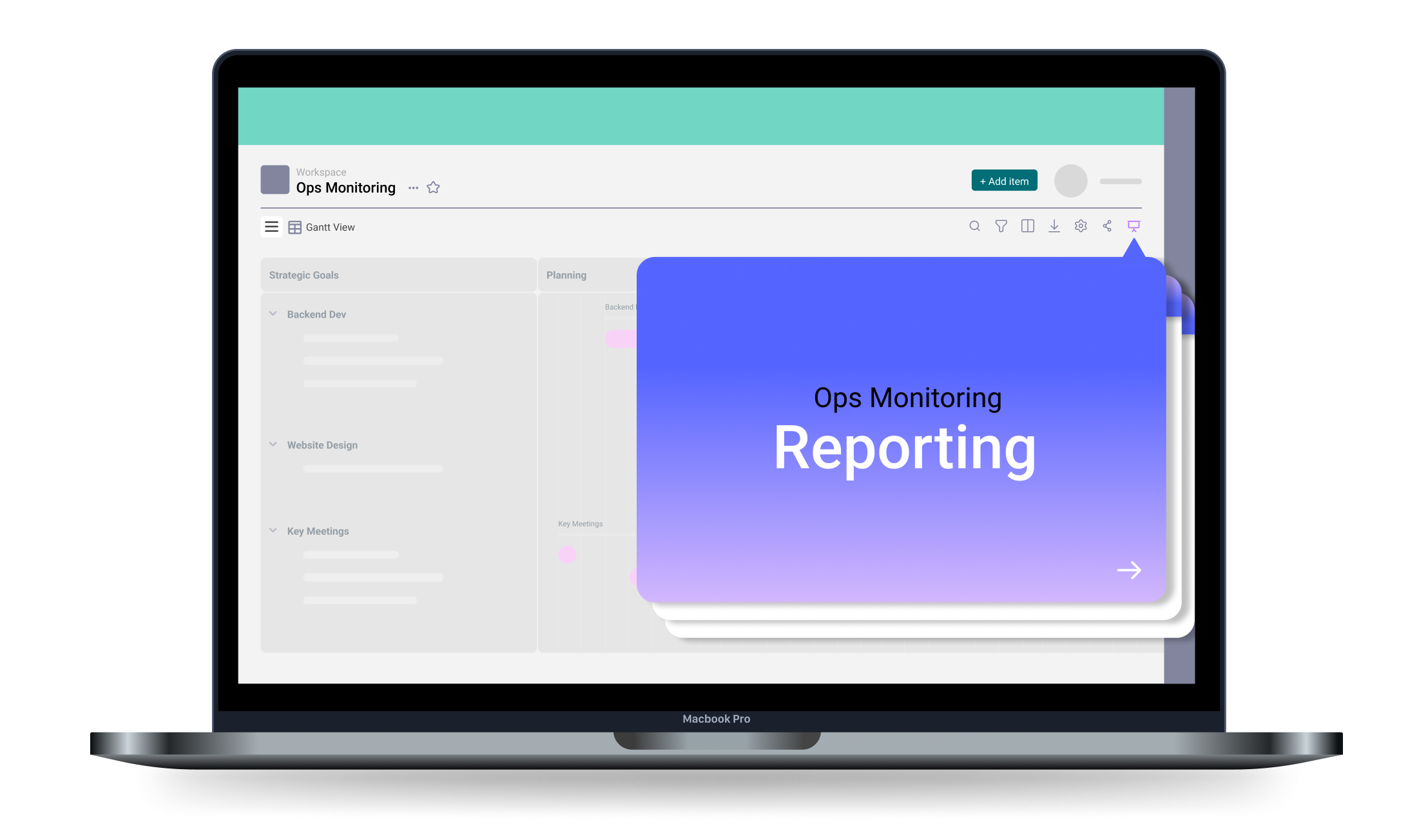
Are the reports clear enough to support my budget request to the C-suite?
Absolutely! Suivi’s strength lies in multiple data views. Create dashboards to quickly visualize expenses, licenses, ticket counts, ongoing projects and their status, and any other relevant data. Clear presentations make budget requests and C-suite discussions much easier.
What about interoperability? Can Suivi integrate easily with our software stack?
Yes. Suivi allows spreadsheet imports and integrates with tools like Azure DevOps or Jira.
Teams can continue using preferred tools while centralizing tracking and governance in Suivi.
I manage IT projects and cybersecurity. Can I track compliance action plans (e.g., GDPR) in Suivi?
Yes. Upload all documents associated with your action plans (GDPR compliance proofs, vendor documents, etc.) to centralize information in one place.
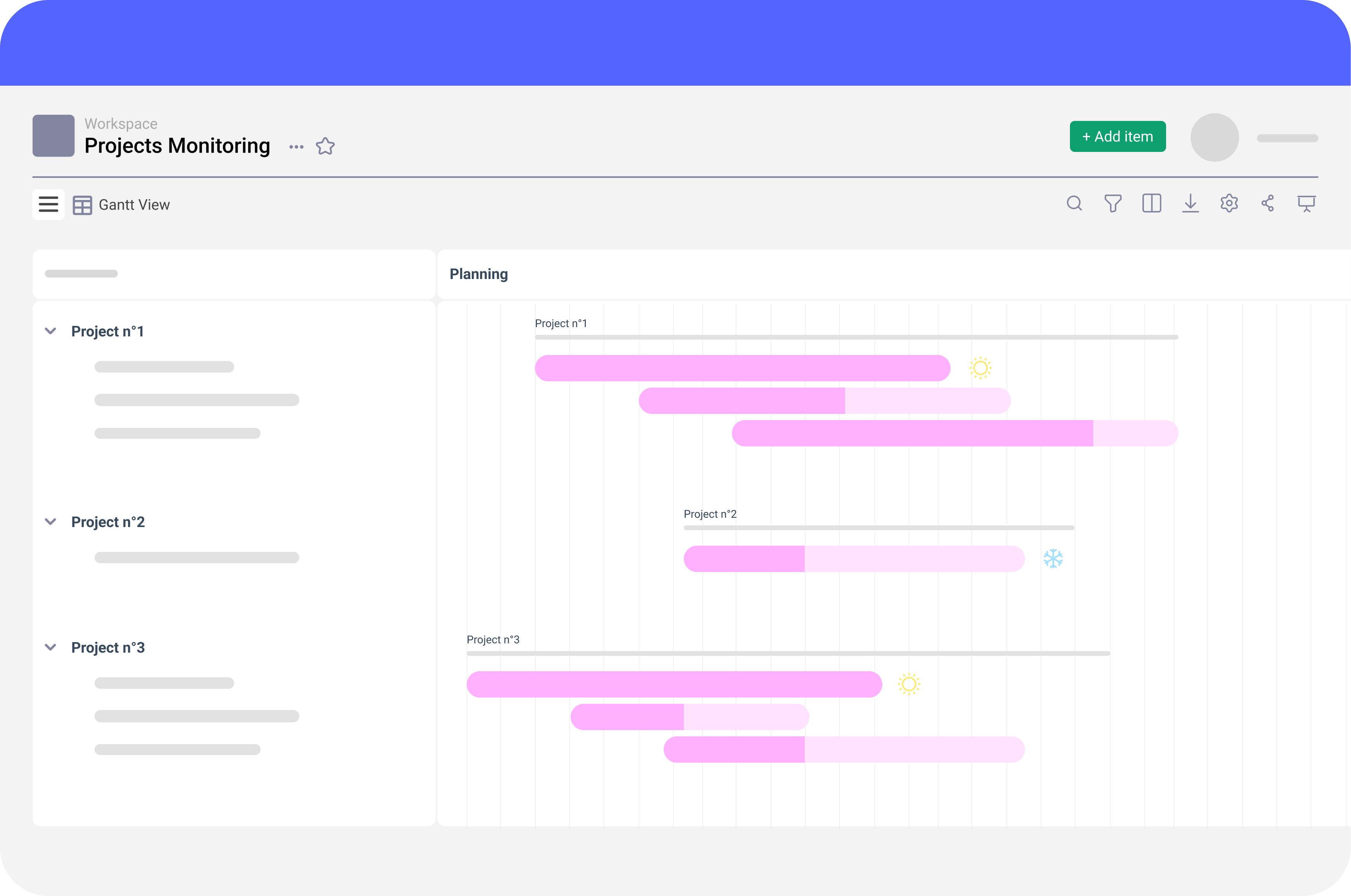
Suivi also provides Gantt and calendar views to never miss a deadline and efficiently track audits and compliance plans.
